
I’ve been working on two plugins for the Logi Options+ ecosystem: Clicky and Keymosaic. They do different things, but both come from the same interest: finding ways to make the hardware I use feel more personal and useful.
Sometimes a project starts with a small question. Could a mouse click give tactile feedback beyond a specific application? Could the images on a keypad become something I can arrange and change myself?
Those questions gave me something concrete to build.
Clicky: giving clicks a physical response
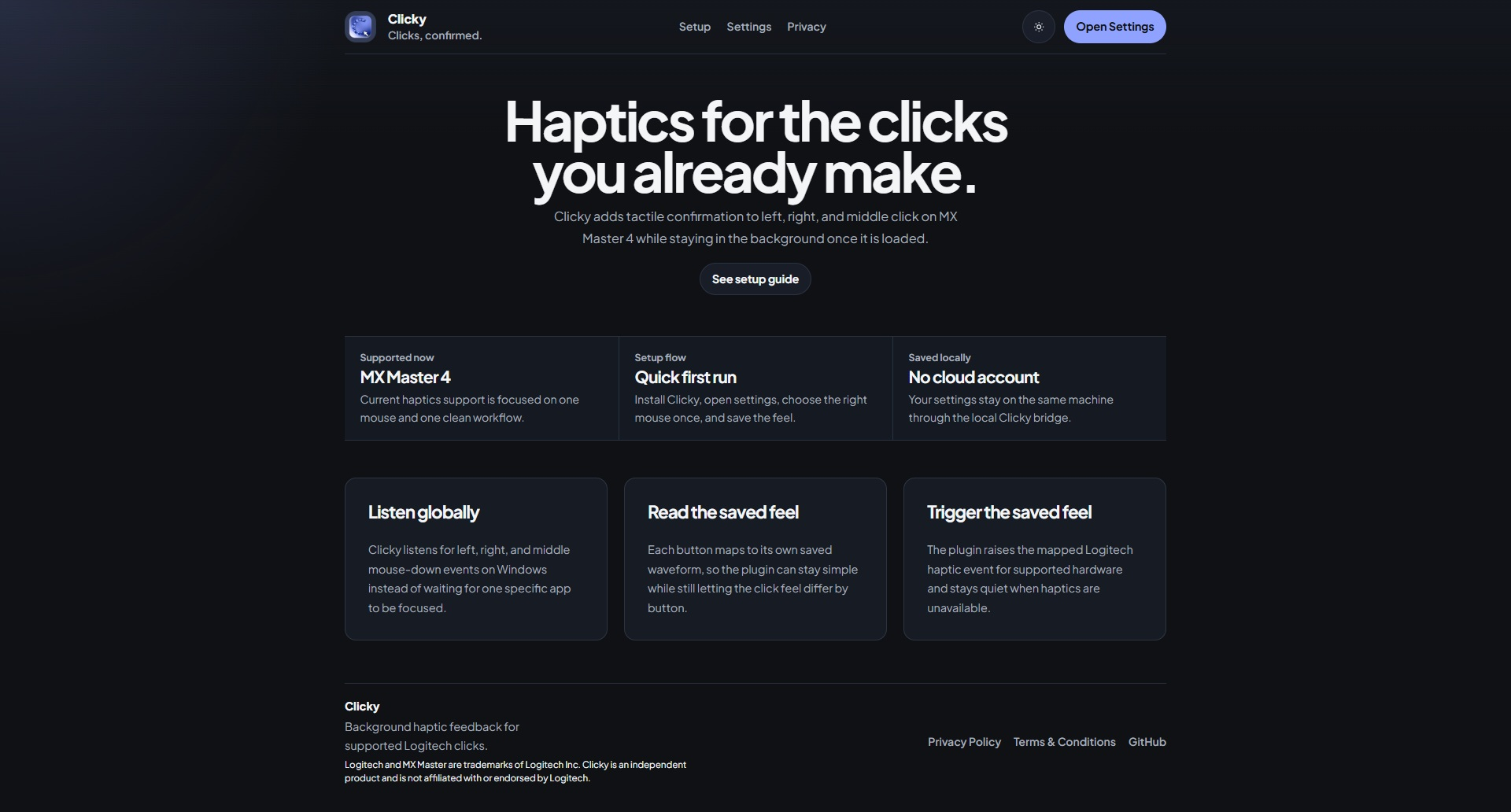
Clicky focuses on haptic feedback for supported Logitech hardware, currently the MX Master 4.
The idea is straightforward: let left, right, and middle clicks trigger their own saved haptic response. Rather than tying that feedback to one application, Clicky listens for mouse clicks across Windows while it is running.
What interests me is how a small physical response can change the feel of an everyday interaction. It doesn’t need to add another screen or interrupt what I’m doing. The feedback happens through the device already in my hand.
Keymosaic: making the keypad my own
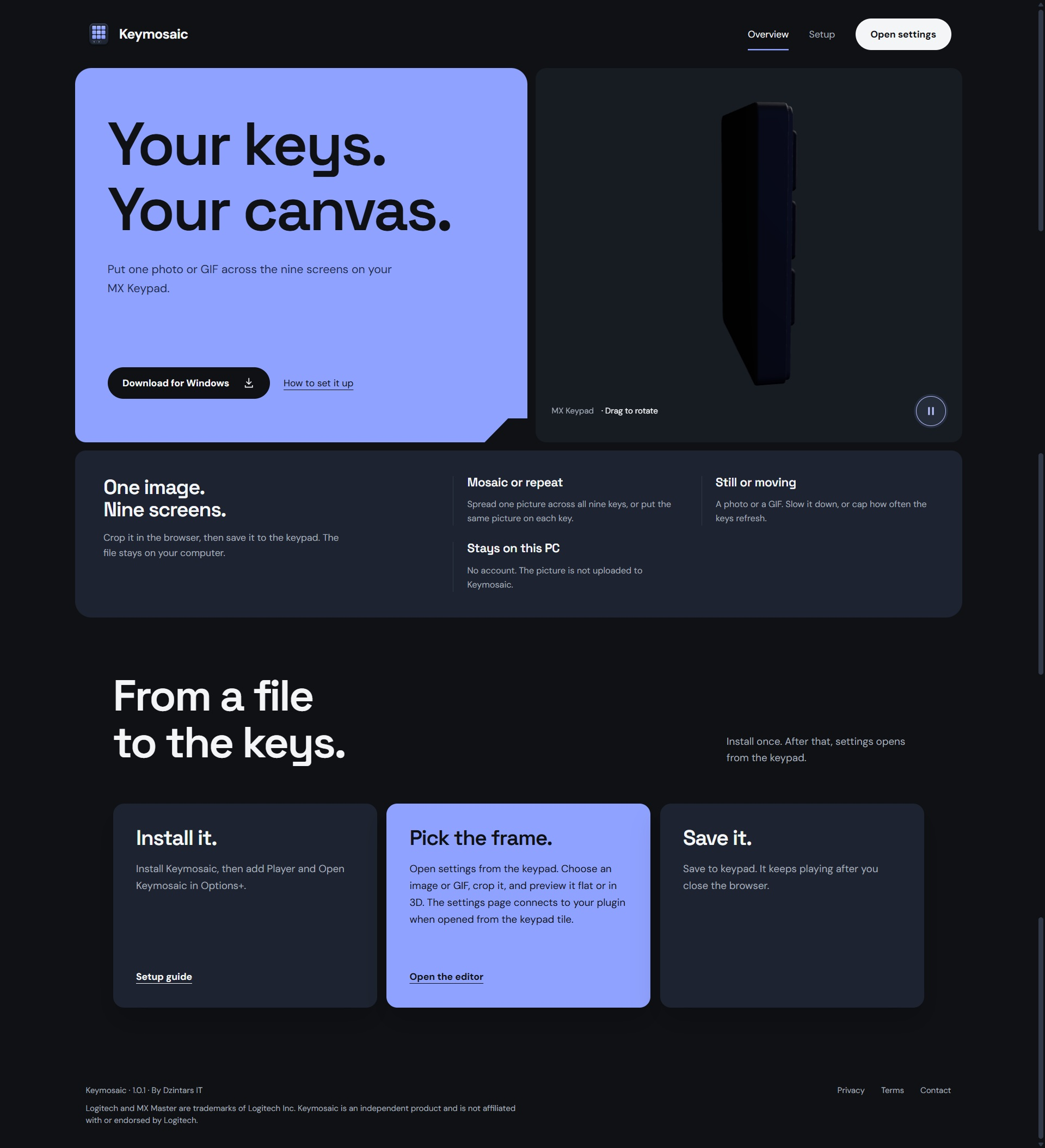
Keymosaic explores a different kind of customisation: the visual side of the MX Keypad.
It gives me a way to work with images and arrange them across the keys. The hardware becomes a small canvas as well as an input device.
This project also brings together several things I enjoy working on: interfaces, media handling, and the connection between software and physical hardware. A change in the editor has a visible result on the device, which makes the development process particularly satisfying.
Why build within this ecosystem?
Working within an existing ecosystem gives these projects a useful starting point. There is already hardware with capabilities worth exploring, and the challenge is to turn a specific idea into something that works within its constraints.
It also makes me think more carefully about scope. A plugin doesn’t have to solve every possible problem. It can focus on one interaction and make that interaction easier to customise.
That is the direction I want to take with these projects: small tools with a clear purpose, built around the devices people already use.
Giving the plugins a shared identity
Alongside the plugins, I’ve been building their websites.
I want Clicky and Keymosaic to look related without forcing them into identical layouts. They share colours, typography, and interface details, while each page explains its own plugin in a way that suits it.
Clicky’s website focuses on clicks and feedback. Keymosaic’s website gives more room to the visual possibilities of the keypad.
I plan to carry that style into future plugin projects too. If someone discovers one of my tools and later visits another, I want the connection to feel familiar.
What I want to build next
For now, I want to keep improving these plugins through actual use: finding rough edges, making the settings clearer, and checking that the behaviour on the hardware matches what the interface promises.
I’m interested in exploring more ideas in this ecosystem, but I want each new plugin to have a reason to exist.
Clicky and Keymosaic are my starting point—two different experiments in making everyday hardware feel more like my own.
You can explore them here:
These are independent projects and are not affiliated with or endorsed by Logitech.